GetApp offers objective, independent research and verified user reviews. We may earn a referral fee when you visit a vendor through our links.
Our commitment
Independent research methodology
Our researchers use a mix of verified reviews, independent research, and objective methodologies to bring you selection and ranking information you can trust. While we may earn a referral fee when you visit a provider through our links or speak to an advisor, this has no influence on our research or methodology.
Verified user reviews
GetApp maintains a proprietary database of millions of in-depth, verified user reviews across thousands of products in hundreds of software categories. Our data scientists apply advanced modeling techniques to identify key insights about products based on those reviews. We may also share aggregated ratings and select excerpts from those reviews throughout our site.
Our human moderators verify that reviewers are real people and that reviews are authentic. They use leading tech to analyze text quality and to detect plagiarism and generative AI.
How GetApp ensures transparency
GetApp lists all providers across its website—not just those that pay us—so that users can make informed purchase decisions. GetApp is free for users. Software providers pay us for sponsored profiles to receive web traffic and sales opportunities. Sponsored profiles include a link-out icon that takes users to the provider’s website.
What Is a Network Security Key and How To Find It?
Protect your wireless network with a strong access code and secure your company’s data.


In 2023, 73% of US-based small business owners reported being the victim of some form of cyberattack. [1] Threat actors often perpetuate cyberattacks that are opportunistic, taking advantage of vulnerabilities in technology or poor security practices on the part of users.
Wifi networks are one of the most vulnerable avenues through which a business can be attacked by a malicious cyber threat actor. In order to prevent such attacks and protect their digital infrastructure, small business owners must ensure that their WiFi networks are properly configured and maintained. As with any digital technology, controlling access is a first line of defense, and the best way to accomplish that with WiFi networks is to establish a strong network security key.
What is a network security key?
A network security key, akin to a password, can be a string of 8-12 characters, a digital signature, biometric data, or any combination of these three forms of access control. Issued to authorized users of a secured network, network keys are a form of digital access control that grants a secure connection between a device and a router-hosted WiFi network.
Often lacking the budgets, expertise, and staffing to properly maintain and secure digital networks, SMBs are increasingly targeted by cyber attacks carried out by malicious threat actors. Small business owners and entrepreneurs, then, must follow best practices and establish security measures to properly protect their networks and digital assets. Robust network security keys play a critical role in preventing unauthorized access to networks and the devices connected to them.
How does a network security key work?
In computer networking terms, user-controlled devices such as laptops, mobile phones, and desktops are considered endpoints, and it’s the goal of cybersecurity strategies to secure the endpoints as well as the networks to which they must connect in order to conduct business. One of the most often used internet gateways used by endpoints are the WiFi networks hosted by routers.
Bridging the way for users to access the internet through a modem, routers are deployed between the internet and devices as a gatekeeping mechanism. Modern small businesses thrive on flexibility and mobility, and heavily rely upon router-hosted WiFi connections in their networks, a highly vulnerable point of access. Network security keys are one of the first methods of defending digital assets and preventing threat actors from accessing private networks.
How to find a network security key?
There are a number of ways to identify a router’s network security key, depending if the router’s fresh out of the box or if its signals have been customized and configured for your network.
On Router
When you first purchase a router, the default network security key is usually printed on the underside or back of the router alongside the model number, serial number, and other information used to track and identify the router. The default phrase might be referred to in several different ways:
Network key
Wireless password
WPA key
Password or passcode
On Laptop
Whether you’ve just plugged in your router and flipped on wireless access or you’ve taken the time to configure your network, you can use your computer’s network settings to discover the network security key currently in use to connect to the internet.
Most operating systems give users access to settings through a Control Panel or Settings interface. Through these panels, users can access Network and Internet settings and search up the wireless properties of their existing network. With the right level of security access, the user will be able to see the network security key.
On Android/iOS
On mobile devices, the settings menu includes an interface for configuring how the device connects to available networks. If your device is connected to a secure network, you’ve entered the network security key manually at some point. To view it, you can select the network that you’re connected to and navigate to the information panel. This panel will include the name of the network, the device’s address on the network, and an input for the network security key. If the key is obfuscated, tapping it will allow the user to see the key clearly.
Types of network security keys
Network security is managed by a number of different protocols, each offering different levels of complexity and protection. Determining which type of network security key should be used depends on compatibility with the devices, operating systems, and technology platforms deployed across the network.
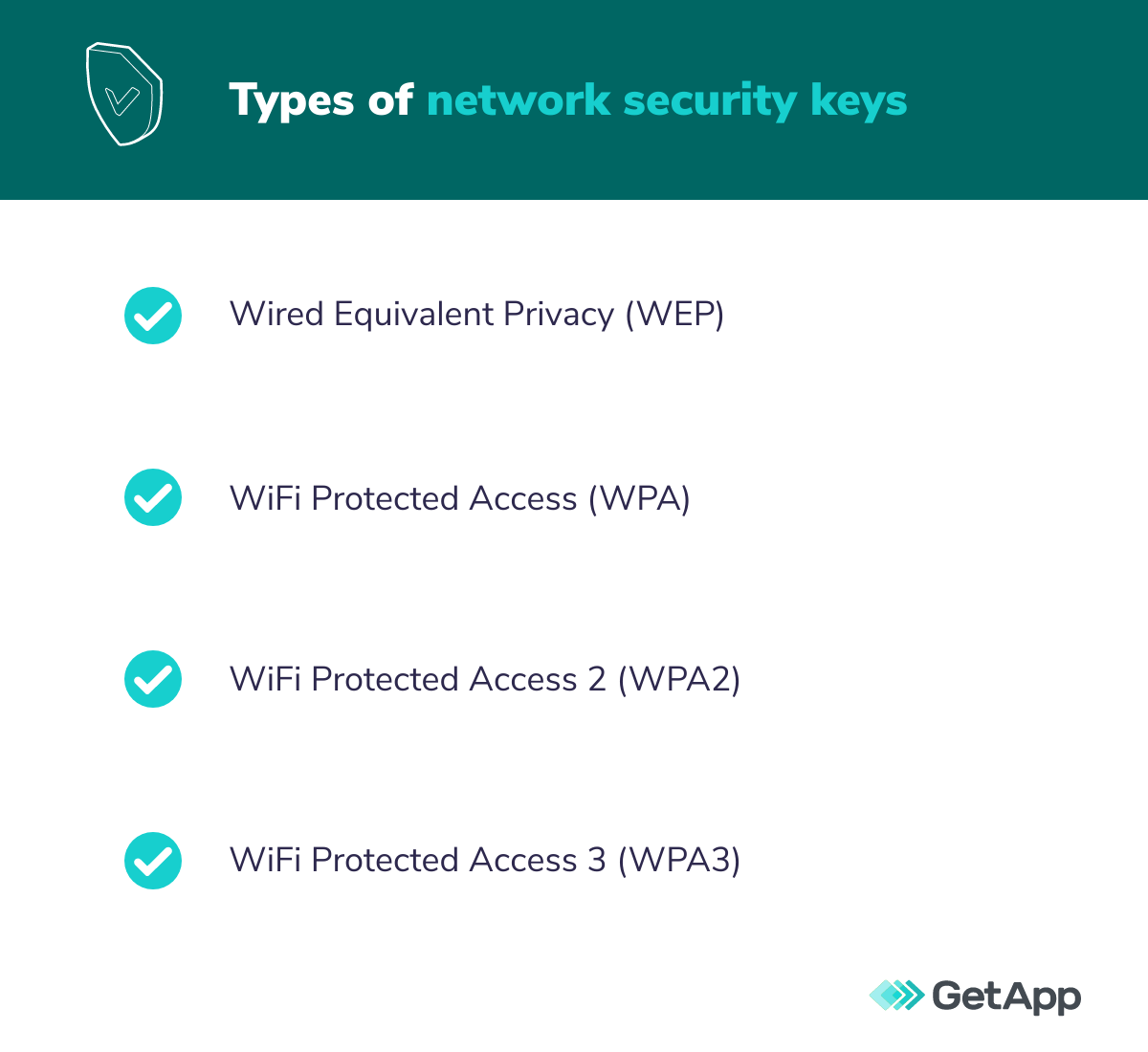
Wired Equivalent Privacy (WEP)
WEP operates similarly to passwords on hardware devices, allowing users to pass encrypted messages somewhat securely between devices. WEP is an older security protocol used by older devices, but is increasingly being phased out, as cybercriminals have developed reliable methods for breaking the static encryption WEP relies upon.
WiFi Protected Access (WPA)
WPA became a popular alternative to WEP when it was first introduced because it relied upon a more dynamic encryption protocol known as Temporal Key Integrity Protocol (TKIP). Initially thought to offer improved network security, cyber threat actors discovered TKIP was riddled with significant vulnerabilities to certain types of cryptographic attacks.
WiFi Protected Access 2 (WPA2)
WPA2 was introduced as a way to strengthen the encryption protocols of WPA that were found to be vulnerable and flawed, depending upon an advanced encryption standard (AES) encryption mode to protect network traffic. WPA2 can be configured for personal networks and small business networks with WPA2-PSK (pre-shared key) protocol. WPA2 can also be leveraged in larger corporate networks using WPA2EAP (enterprise mode) and specialized servers used for user authentication.
WiFi Protected Access 3 (WPA3)
The latest iteration of WPA network encryption protocol, WPA3 advances the level of security with one of the most advanced forms of encryption available. Simultaneous Authentication of Equals (SAE) protocol is able to prevent attacks even when passwords might not be of the best quality and easily discovered by threat actors, and can be configured to negate brute force attacks by limiting authentication when an active attack is detected. While this powerful protocol was introduced in 2018, WPA3 is still not widely available as many devices and operating systems still haven’t mandated it as a standard.
How to choose a strong network security key?
As network technology evolves and security becomes more of a driving priority in network configurations, the network security key protocol you choose determines the requirements on how the security key should be formatted.
Generally, best network security practices advise network administrators to establish keys that are no less than 12 characters long. The key should be a mix of letters, numbers, and, when allowed, symbols. In order to combat cyberattacks that leverage password cracking tools and dictionary attacks, the passphrase should be as unique and complex as possible.
Alternative network security keys
In addition to traditional password-style network security keys, network administrators can establish other methods of security as either an alternative to a traditional network security key or as an additional layer of protection.
The strength of biometrics
Biometrics are a powerful method of network security that rely on some unique biological characteristic of the user in order to access the network, such as fingerprints, retinal scans, voice print recognition, or facial features. These methods are often paired with a security token programmed to allow network access once the user has been authenticated.
Digital signatures
This method relies upon asymmetric public key cryptography (PKC). In the PKC method of encryption, there is a private/public key pair. The private key is used to generate a digital signature, while the public key verifies that signature and allows access.
When it comes to cybersecurity, you can’t afford to be negligent
As threat actors increasingly target small businesses, you can’t afford to be amongst the 30% of small businesses with less than 500 employees that don’t have cybersecurity measures in place at all to protect their business. [1] Your network administrators should be following best practices, such as establishing a strong network security key in order to protect your networks, so that they can focus on formulating and executing a comprehensive cybersecurity strategy.
GetApp can support your network administrators by providing access to vendors offering up some of the most powerful network security management tools on the market.
Need more resources on network security best practices for SMBs? Check out the following:
Sources
David J. Brin