
App comparison
Add up to 4 apps below to see how they compare. You can also use the "Compare" buttons while browsing.
GetApp offers objective, independent research and verified user reviews. We may earn a referral fee when you visit a vendor through our links.
Our commitment
Independent research methodology
Our researchers use a mix of verified reviews, independent research, and objective methodologies to bring you selection and ranking information you can trust. While we may earn a referral fee when you visit a provider through our links or speak to an advisor, this has no influence on our research or methodology.
Verified user reviews
GetApp maintains a proprietary database of millions of in-depth, verified user reviews across thousands of products in hundreds of software categories. Our data scientists apply advanced modeling techniques to identify key insights about products based on those reviews. We may also share aggregated ratings and select excerpts from those reviews throughout our site.
Our human moderators verify that reviewers are real people and that reviews are authentic. They use leading tech to analyze text quality and to detect plagiarism and generative AI.
How GetApp ensures transparency
GetApp lists all providers across its website—not just those that pay us—so that users can make informed purchase decisions. GetApp is free for users. Software providers pay us for sponsored profiles to receive web traffic and sales opportunities. Sponsored profiles include a link-out icon that takes users to the provider’s website.
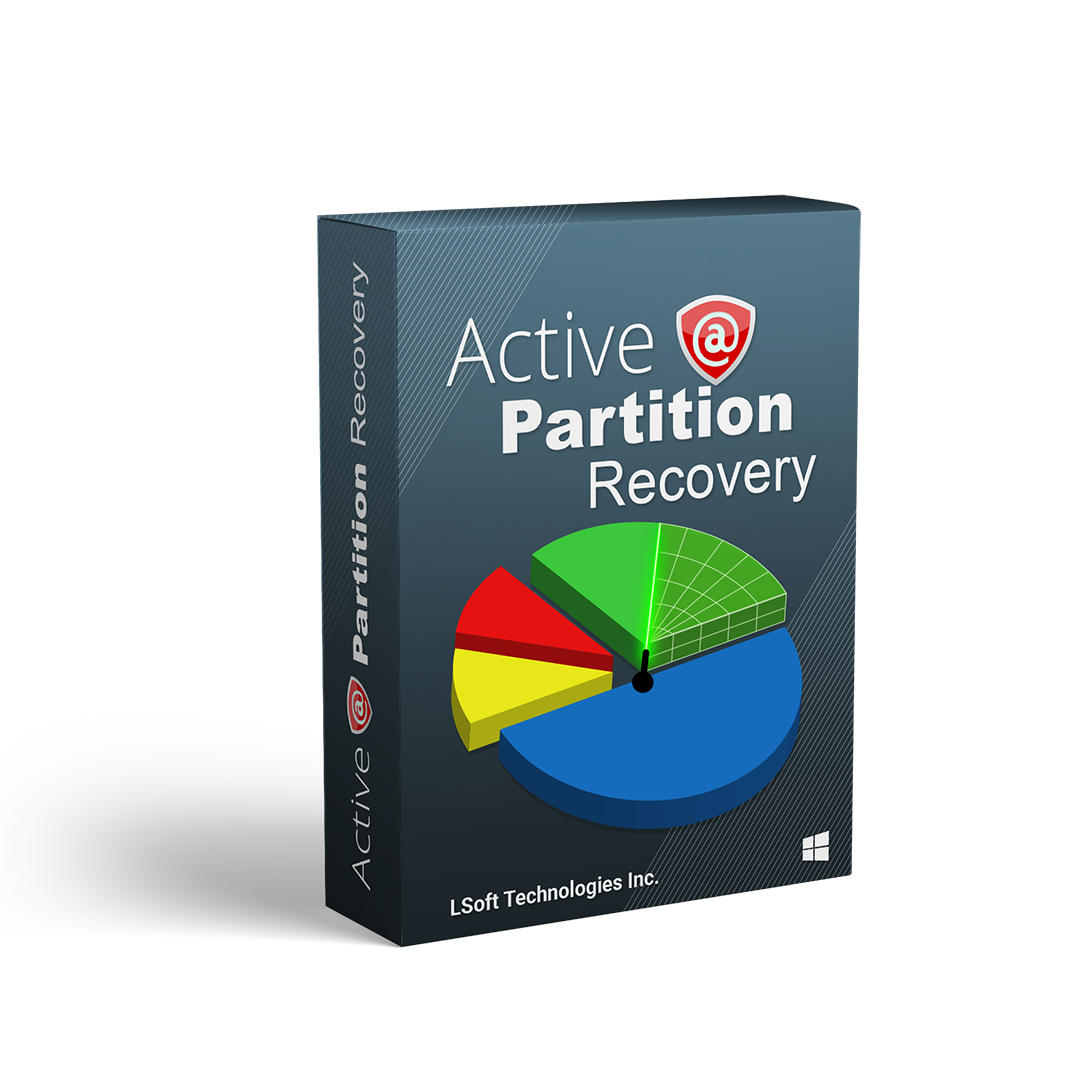
Active@ Partition Recovery
Windows partition recovery tool for all business sizes
Table of Contents
Active@ Partition Recovery - 2026 Pricing, Features, Reviews & Alternatives


All user reviews are verified by in-house moderators and provider data by our software research team. Learn more
Last updated: November 2026
Active@ Partition Recovery overview
What is Active@ Partition Recovery?
Active@ Partition Recovery is a Windows-based desktop utility that restores accidentally deleted partitions and repairs damaged partitions, volumes, and disks without requiring physical removal of storage media. It supports a broad range of file systems including NTFS, ReFS, FAT, exFAT, HFS+, ApFS, Ext2/Ext3/Ext4, XFS, JFS, UFS, and BtrFS, and operates across SATA, eSATA, SSD, NVMe, SCSI, and RAID disk arrays, USB flash drives, and memory cards, including large drives over 2 TB. The software is delivered electronically and installs on Windows XP through Windows 11 and Windows Server 2003 through 2022. It can also be installed on and run from a USB disk or bootable CD/DVD to reduce the risk of overwriting recoverable data during the recovery process.
Active@ Partition Recovery is available in four editions: Freeware, Standard, Professional, and Ultimate. The Freeware edition provides scanning, detection, and DOS-based recovery with no expiration period. The Professional edition adds a low-level Integrated Disk Editor (Hex Viewer) for inspecting raw disk sectors and file system structures. The Ultimate edition extends functionality with Active@ File Recovery for deleted file recovery and damaged RAID reconstruction, a WinPE-based Active@ Boot Disk for repairing unbootable Windows systems, a Linux-based Active@ LiveCD built on OpenSUSE supporting x86 and x64 UEFI Secure Boot and standard BIOS, and a Bootable Disk Creator for preparing customizable bootable USB, CD, DVD, or Blu-ray media. All paid licenses include free technical support and free updates for one year.
Core scanning capabilities include QuickScan for rapid detection of recently deleted partitions and SuperScan, a low-level sector-by-sector scan for re-formatted or severely damaged partitions. The Last Chance recovery method detects and recovers files by their signatures on volumes with severely damaged file systems where physical volume recovery is not possible, supporting 147+ standard file signatures across music, photos, camera raw images, eBooks, and office documents. Additional tools cover MBR and GPT repair, volume boot sector correction, partition table backup and restore with rollback capability, raw and compressed disk image creation (including VMware disk image support), and Virtual Device creation for disks with non-standard sector sizes or non-zero data start offsets. Active@ Partition Recovery targets individual users, IT professionals, government agencies, academic institutions, and enterprise organizations requiring reliable, multi-method disk and partition recovery across diverse storage environments.
Do you work for Active@ Partition Recovery? Manage this product listing
Active@ Partition Recovery’s user interface
Active@ Partition Recovery reviews
Overall rating

No reviews
- Value for money
- Ease of use
- Features
- Customer support
- Likelihood to recommend0/10
5
4
3
2
1
0
0
0
0
0
Active@ Partition Recovery's key features
Most critical features, based on insights from Active@ Partition Recovery users:
All Active@ Partition Recovery features
Active@ Partition Recovery alternatives
Active@ Partition Recovery
Starting from
Free
EaseUS Data Recovery Wizard
Starting from
69.95
One-time payment

Acronis Cyber Protect
Starting from

No pricing info

Macrium Backup & Restore
Starting from
65
Per year


Active@ Partition Recovery pricing
Pricing plans
Pricing details:
User opinions about Active@ Partition Recovery price and value
Value for money rating:
Active@ Partition Recovery support options
Typical customers
Platforms supported
Support options
Training options
Active@ Partition Recovery FAQs
Q. What level of support does Active@ Partition Recovery offer?
Active@ Partition Recovery offers the following support options:
Email/Help Desk, FAQs/Forum, Knowledge Base, Phone Support