GetApp offers objective, independent research and verified user reviews. We may earn a referral fee when you visit a vendor through our links.
Our commitment
Independent research methodology
Our researchers use a mix of verified reviews, independent research, and objective methodologies to bring you selection and ranking information you can trust. While we may earn a referral fee when you visit a provider through our links or speak to an advisor, this has no influence on our research or methodology.
Verified user reviews
GetApp maintains a proprietary database of millions of in-depth, verified user reviews across thousands of products in hundreds of software categories. Our data scientists apply advanced modeling techniques to identify key insights about products based on those reviews. We may also share aggregated ratings and select excerpts from those reviews throughout our site.
Our human moderators verify that reviewers are real people and that reviews are authentic. They use leading tech to analyze text quality and to detect plagiarism and generative AI.
How GetApp ensures transparency
GetApp lists all providers across its website—not just those that pay us—so that users can make informed purchase decisions. GetApp is free for users. Software providers pay us for sponsored profiles to receive web traffic and sales opportunities. Sponsored profiles include a link-out icon that takes users to the provider’s website.
What Is Cached Data, and How Does It Work?
Caching data can save your business money, and save your customers time. But how?


With the big data global market expected to hit $924.4 billion in 2023, companies are heavily investing in building a data-driven culture, but it often feels like an uphill battle. [1]
For small-business owners and professionals looking to enhance their knowledge of data management in order to build an analytical, data-driven culture, cached data is a pillar of proper data management. In this article, we'll explain what cached data is, how it works, and the potential benefits involved for your business.
What is cached data, and how does it work?
Cached data is files, images, scripts, and any other multimedia that is stored on your device after you visit a website or open a software application. Data is locally stored information that remains on your personal computer, laptop, or smartphone. For example, websites often cache page data, so it's not reloading when you open the page. Data caching uses your browser to retrieve previously accessed resources, improving your device performance and reducing the network load on servers.
For small-business owners, implementing cached data allows for cost savings on data retrieval and a more positive user experience. If you find your server costs and bandwidth fees are skyrocketing, caching data allows for frequently accessed data to stay loaded on devices.
For example, if your financial services business has its own financial portal for clients, caching certain data will reduce load times and population times when it comes to generating client dashboards and reports.
Cached data vs. cookies
Cached data and cookies are two similar concepts that both contribute to a more positive user experience and optimal network and server performance. Caching data is simply temporarily storing popularly accessed data on local devices. On the other hand, cookies are small bits of tracking information that store many different types of data as users browse online. Cookies are often used for granular advertising targeting, while cached data focuses on storing content to reduce load times.
Where is cached data stored?
A critical component of understanding cached data is knowing that it's stored temporarily in accessible, local storage. Cached data is stored on a user's device or computer, meaning it's stored away from your business's central processing area. Keeping this data closer to the end user improves network performance time, reduces latency, and offloads some of the computing capacity for your network and infrastructure. Instead of reloading the same data or information dozens of times, caching it saves processing power.
How can cached data benefit my small business?
Cached data is a simple but powerful data management concept, especially when it comes to reducing computational power and improving the delivery of files, videos, imagery, and more. For a small business looking to reduce server and cost expenditures, implementing data caches at local levels could be a simple starting solution. It's also an excellent starting point for more sophisticated data management strategies that set your business up for long-term success.
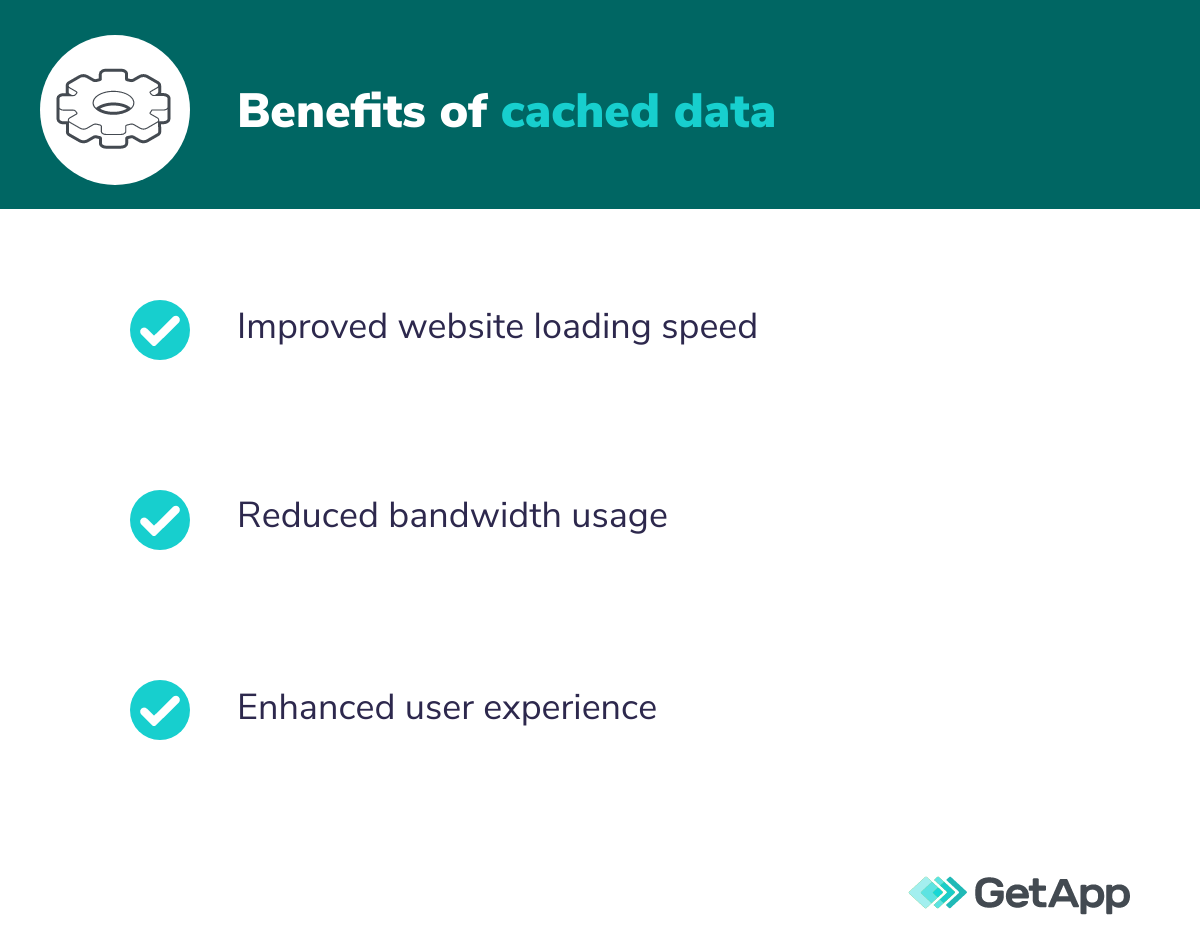
Improve website loading speed
Site speed impacts conversion rates—a website with a one-second load time will convert at a rate of 3x higher than a website that loads in five seconds. [2] Especially for highly visual or interactive website pages with tons of multimedia assets, website load time can get significantly slow. Users will abandon the website or platform, reducing website traffic, engagement, and potentially business revenue.
Reduce bandwidth usage
Without data caching, a business's website and application can quickly take up significant bandwidth. This performance lag slows down other applications on the network and increases server load times everywhere. Especially in times of high traffic, repeated data retrieval might become impossible to sustain. Increased bandwidth usage also comes with increased costs, and businesses might exceed network limits.
Enhance user experience
Optimizing website and application performance creates a positive user experience that makes it easy for people to interact with your business. Users have little patience for slow or improper website or application loading, and they quickly become frustrated. Especially for large multimedia, cached images and files only load content once and then are stored locally.
How to clear cached data
It's very simple for consumers to clear their cached data. Data cache clearing depends on the device and operating system in use, such as Google Chrome, an Android smartphone, or an Apple laptop. Take a look at how to clear the cache of any type of device.
On internet browsers
Browsers can often house tons of cached data as users endlessly browse and scroll through different web pages and applications. Find your browser's settings button, and look for a tab typically titled "Privacy" or "Storage." For example, on Safari, it's labeled "Privacy." On Google Chrome, there is a specific tab titled "Clear browsing data." This will help erase cached memory and clear up space on your personal device.
On apps
On individual apps, you want to open the settings page or preferences. There are most likely buttons that say "Clear Storage," so clicking that will erase any cached data associated with the app.
On devices
On smartphones or laptops, use the preferences or settings tab to erase your library cache. For example, on an Apple operating system, open the Finder app, and navigate to "Go" in the above search bar. Locate a folder called ~/Library/Caches, and delete the contents inside.
Cache management strategies
When deciding on a different cache management strategy, it's helpful to assess data access patterns and understand how your users are accessing data. Also, determine the standard data cache size and capacity, which will help you know how quickly cached data needs to move in and out.
Take a look at a few different cache management strategies for optimizing space and network usage.
Least-recently used (LRU)
Least-recently used (LRU) is the concept of removing data that has not been used from the cache to make room for new data. This strategy assumes that if the data has not been viewed for a long time, the user is probably done with it and will not utilize it again soon. LRU is especially helpful when there is limited cache capacity.
First-in, first-out (FIFO)
Similarly, the concept of first-in, first-out removes the oldest data to make room for the newest. Again, this works under the assumption that old data might not be viewed again. FIFO is also an easier implementation that simply moves data in and out based on time.
Last-in, first-out (LIFO)
On the flip side, last-in, first-out operates on the assumption that if a user just accessed data, they're not going to access it again. This removes the most recent data and continually replaces it with new content.
Random replacement
You should only use random replacement in cache management if you're not able to utilize any of the other above strategies. Depending on your server size, data capacity, and overall data management structure, random replacement might be an ideal option.
Data management tools and technologies
As data sets become larger and more sophisticated, proper data management tools and technologies help reduce manual workloads, optimize storage, ensure data quality and hygiene, and increase security and compliance. The best data management software supports centralized data management, increased scalability and productivity, and the flexibility to increase your data volume as needed.
For example, IT management software, such as master data management tools, is an excellent starting point for businesses looking to harness the power of their entire data system. Master data management tools operate as a single source of truth and consolidate different data sets for improved decision-making.
Begin your search for the right data management tool in comprehensive software directories such as GetApp's data center management software. View dozens of software options in one place, check out review sentiments from real users, and see different rating breakdowns by value for money, ease of use, features, and customer support.
Consider data caching for your business
Upleveling your data management systems is not an overnight task. However, it's critical for building and maintaining a competitive advantage in a fast-moving and data-driven business environment. Data caching and other advanced data management strategies will be even more useful if your business wants to pursue artificial intelligence (AI) implementations and integrations or any type of machine learning algorithm in the future.
While implementing data management strategies and optimizations feels daunting, it helps create a more positive customer experience, saves money on server fees and bandwidth usage, and optimizes your network performance. Without data caching, your business faces unhappy, frustrated customers and high information technology (IT) bills.
To begin your search for the right data management tools, start browsing through different directories to see how platforms stack up against each other. Shortlist a few different platforms, and dive deeper into their features and pricing. Request a demo or more information from their website.
To learn more about creating a data-driven culture, check out the below resources:
Sources
Big Data Analytics Market Size, Share, & Industry Analysis, Fortune Business Insight
Site Speed is (Still) Impacting Your Conversion Rate, Portent
Katherine McDermott