GetApp offers objective, independent research and verified user reviews. We may earn a referral fee when you visit a vendor through our links.
Our commitment
Independent research methodology
Our researchers use a mix of verified reviews, independent research, and objective methodologies to bring you selection and ranking information you can trust. While we may earn a referral fee when you visit a provider through our links or speak to an advisor, this has no influence on our research or methodology.
Verified user reviews
GetApp maintains a proprietary database of millions of in-depth, verified user reviews across thousands of products in hundreds of software categories. Our data scientists apply advanced modeling techniques to identify key insights about products based on those reviews. We may also share aggregated ratings and select excerpts from those reviews throughout our site.
Our human moderators verify that reviewers are real people and that reviews are authentic. They use leading tech to analyze text quality and to detect plagiarism and generative AI.
How GetApp ensures transparency
GetApp lists all providers across its website—not just those that pay us—so that users can make informed purchase decisions. GetApp is free for users. Software providers pay us for sponsored profiles to receive web traffic and sales opportunities. Sponsored profiles include a link-out icon that takes users to the provider’s website.
Find the Best Password Manager App for Your Business
Our survey found that too many people use poor password practices that threaten business data. Password manager apps can help.


Our survey of U.S. consumers found that a full third of people still write their passwords down on paper while less than a quarter use a password manager. You read that right—more people write their passwords down than store them securely in cloud-based software solutions that cost as little as $3 per user, per month.
People are bad at passwords; software isn’t
Mark Zukerberg famously used "dadada" and Kanye West accidentally revealed his penchant for "000000." Even worse, someone at credit reporting megafirm Equifax inexplicably used "admin" to expose protect the data of more than half the adults in the United States.
But it’s not just Zukerberg, Kanye, and a careless Equifax employee who are bad at passwords. Our survey found that 44% of consumers use a phrase or pattern they can easily remember, and 22% admit to using personally meaningful information.
To make matters worse, 53% of consumers confess to using the same password for multiple accounts. This practice puts multiple systems at risk and is a hacker's gold mine.
Password manager software eliminates many of the human failings that cause password vulnerabilities, such as:
Using simple passwords for convenience
Reusing old passwords
Using the same password for multiple accounts
Insecurely storing password information
Forgetting passwords altogether
The 3 best password manager apps (per GetApp reviewers)
Before we take a look at the three best reviewed apps in GetApp’s password manager catalog, it’s important to understand the software’s capabilities and limitations.
Password managers CAN:
Help create, store, and encrypt long, complex, and hard-to-break passwords
Audit existing passwords for quality and complexity
Manage access rights and permissions for a large number of users
Align usernames and passwords with their associated services/accounts
Update passwords in the background when required
Offer browser plugins to auto-populate forms and automatically enter website logins
Secure accounts with multifactor authentication including:
SMS and email confirmation
Time-based one-time password (TOTP)
Integration with single-sign-on and identity management software
Contextual authentication (e.g., geofencing)
Password managers CAN’T:
Operate without a master password. If you lose your master password or ability to verify your account identity with multifactor authentication, you’ll lose access to your passwords.
Ensure total protection from cyber attacks themselves. Even the best password manager apps aren’t immune to vulnerabilities and are often inviting targets for hackers.
Work on all operating systems and devices. You can use older versions of password manager software, but this comes with the tradeoff of not receiving the latest security updates.
Selection criteria
The following products rank highest in GetApp’s password manager catalog based on average user reviews as of March 2020. For each application, we break out the key features you need to know about to help you select the best password manager application for your company’s needs.
1. LastPass
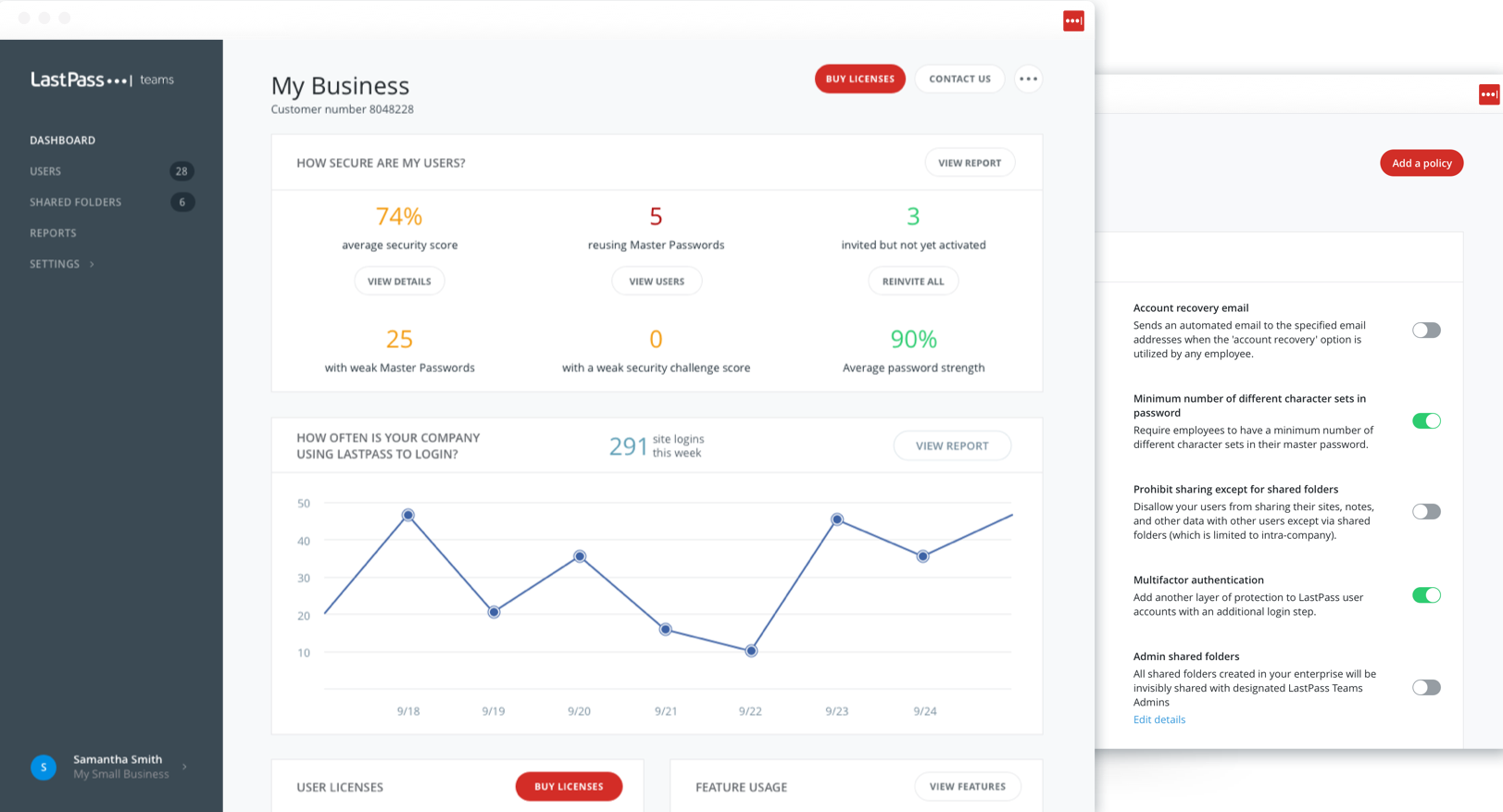
| Founded | 2008 |
|---|---|
| Supported platforms | Mac, Windows, iOs, Android, Linux |
| Browser extensions | Chrome, Firefox, Edge, Safari, Opera |
| Price starting at | $36/year, per user |
| Free trial | 30 days |
| Multifactor authentication | Contextual, biometric |
2. 1Password
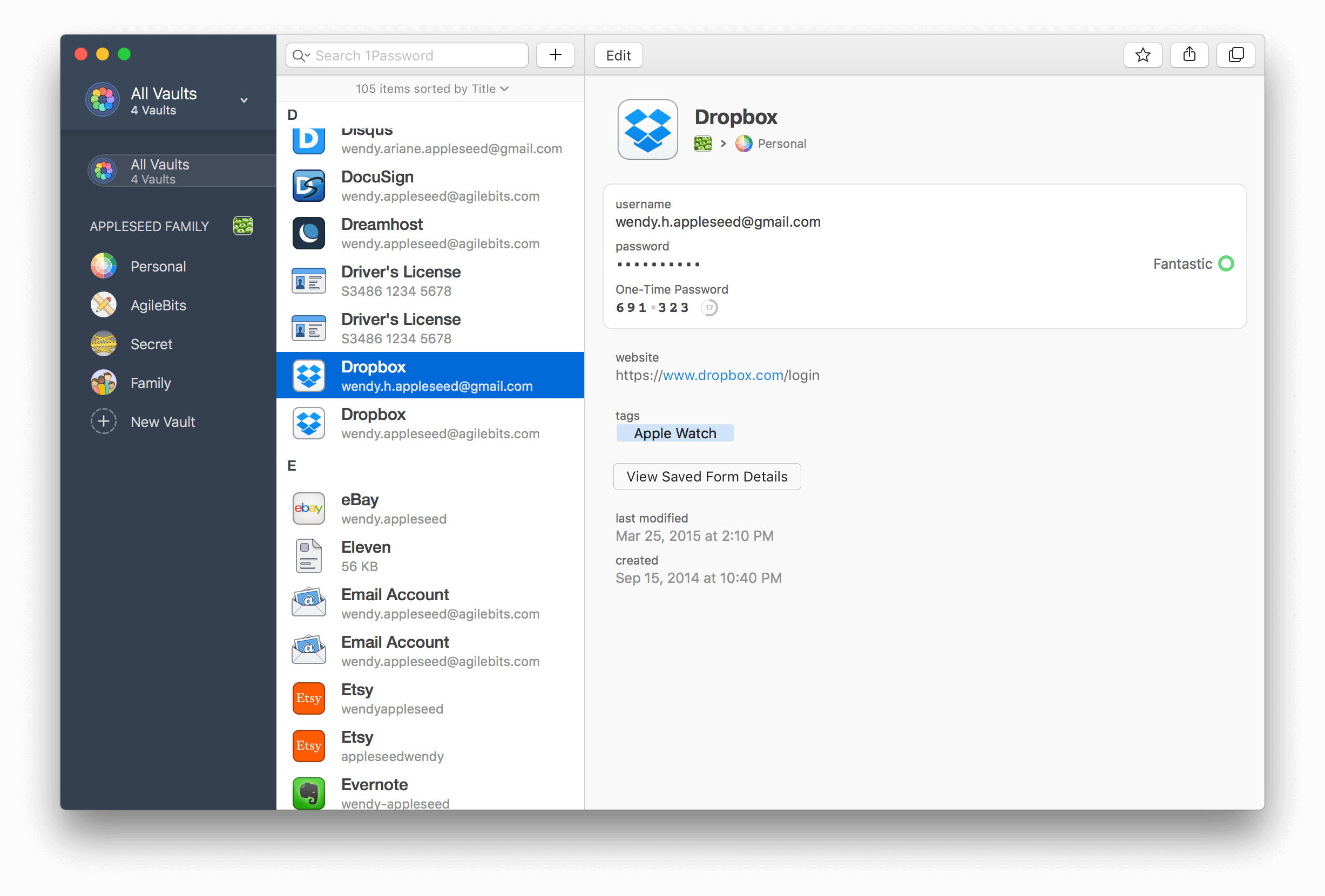
| Founded | 2006 |
|---|---|
| Supported platforms | Mac, Windows, Linux, iOS, Android, Chrome OS, command line |
| Browser extension | Chrome, Firefox, Edge, Brave, Safari |
| Price starting at | $47.88/year, per user |
| Free trial | 30 days |
| Multifactor authentication | TOTP |
3. Keeper
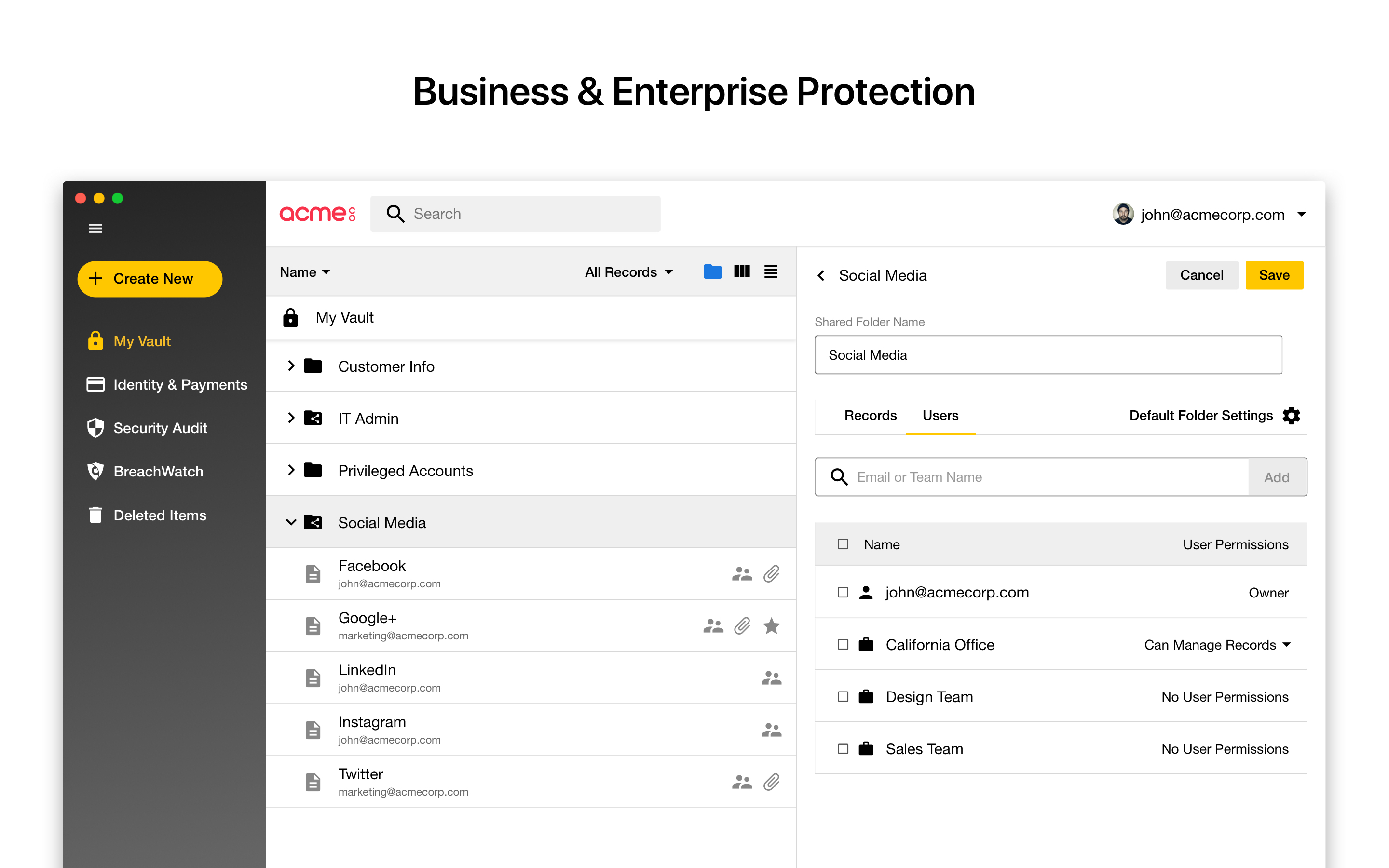
| Founded | 2011 |
|---|---|
| Supported platforms | Mac, Windows, Linux, iOS, Android |
| Browser fill form extension | Chrome, Firefox, Safari, IE, Edge, Opera |
| Price starting at | $30/year, per user |
| Free trial | 30 days personal, 14 days business |
| Multifactor authentication | SMS, TOTP, smartwatch, FIDO U2F |
The best password manager app for your business is the one employees will use
Password management is not merely a box to check every 90 days when updates are due. It’s central to the security hygiene of your business, and an integral pillar of your cybersecurity strategy.
Hackers spend their time exploiting weak, reused, and stolen passwords. To shore up these vulnerabilities, you should invest in password manager software as part of your organization’s overarching password policy.
Be sure to allow employees ample time to identify the best password manager app for their needs. Try a few different products and survey employees for feedback to determine which option they prefer. Remember: The most effective option is the one your employees are most likely to use.
Find the best password manager app for your business
Methodology
GetApp Password Survey, January 2020 - GetApp conducted this survey in January 2020 among 487 respondents to learn more about consumer password behaviors.
Products identified in this article were shortlisted based on average user reviews data (type: overall rating) aggregated from GetApp.com in February 2020.
Note: The information contained in this article has been obtained from sources believed to be reliable.This document, while intended to help businesses find the best password manager app, is in no way intended to provide legal advice or endorse a specific course of action.