GetApp offers objective, independent research and verified user reviews. We may earn a referral fee when you visit a vendor through our links.
Our commitment
Independent research methodology
Our researchers use a mix of verified reviews, independent research, and objective methodologies to bring you selection and ranking information you can trust. While we may earn a referral fee when you visit a provider through our links or speak to an advisor, this has no influence on our research or methodology.
Verified user reviews
GetApp maintains a proprietary database of millions of in-depth, verified user reviews across thousands of products in hundreds of software categories. Our data scientists apply advanced modeling techniques to identify key insights about products based on those reviews. We may also share aggregated ratings and select excerpts from those reviews throughout our site.
Our human moderators verify that reviewers are real people and that reviews are authentic. They use leading tech to analyze text quality and to detect plagiarism and generative AI.
How GetApp ensures transparency
GetApp lists all providers across its website—not just those that pay us—so that users can make informed purchase decisions. GetApp is free for users. Software providers pay us for sponsored profiles to receive web traffic and sales opportunities. Sponsored profiles include a link-out icon that takes users to the provider’s website.
Get the Most Out of Software Demonstrations With This 5-Point Checklist
Are software demos overwhelming you? Use this checklist to get the most out of the demo, and get the answers you need to make the right software choice.


Software demonstrations are generally an opportunity for the vendor to showcase their product. They will highlight the product’s best features, show how the product works, give an overview of the look-and-feel, and present a few use cases. Although vendors typically work on the presentation for months, don’t expect an overly personalized experience; demos are often presented from a template. This is why having specific questions prepared going into the demonstration is of the utmost importance.
The demo is an opportunity for you, the buyer, to see the product in action and to get a feel for the features it offers. Unfortunately, a cookie-cutter presentation will not give you everything you need to make an informed decision. If you’re attending a software demo, treat it as an opportunity to ask questions and get clarity on common challenges that occur with the tool.
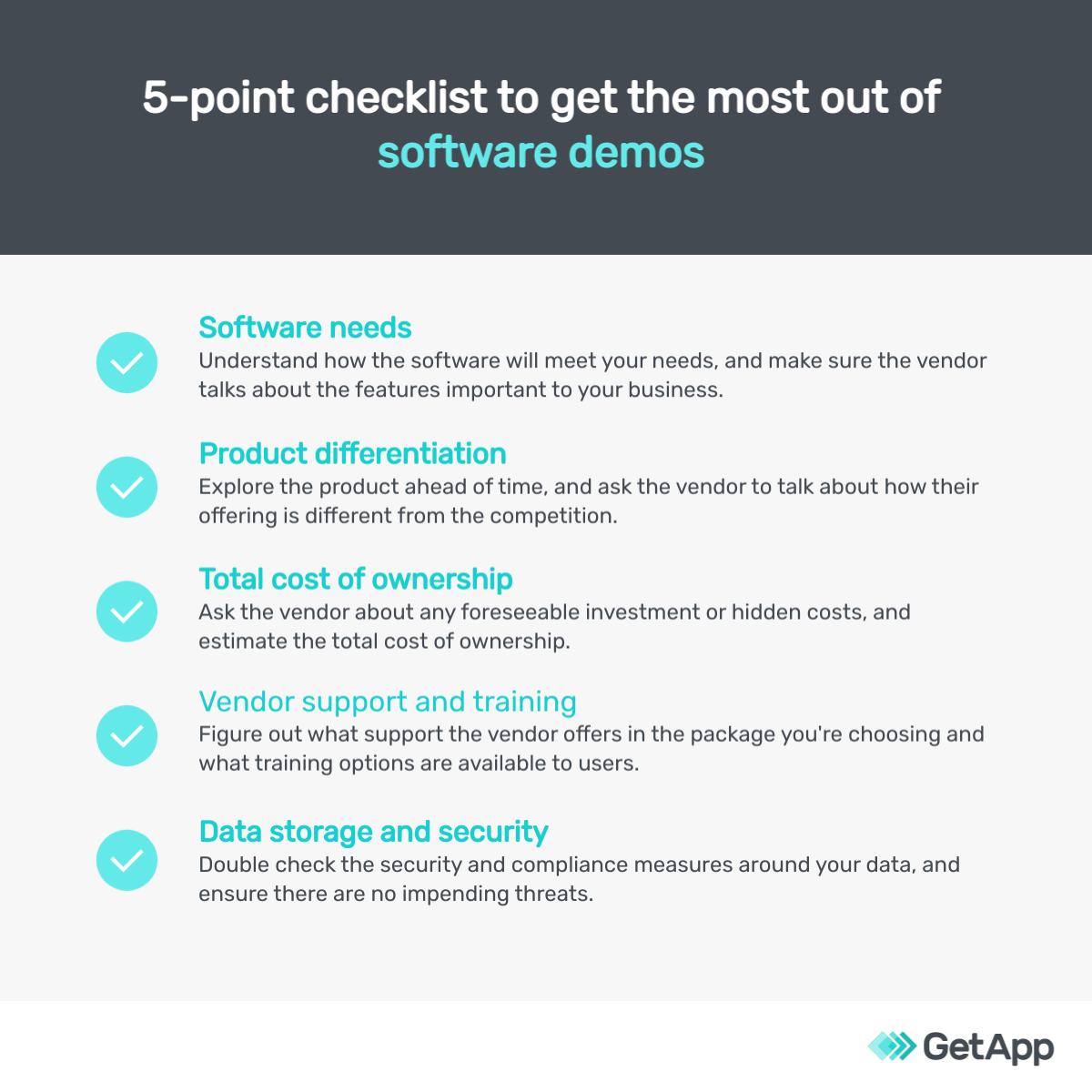
Here are five topics you should make sure to talk with your vendor about, as well as examples of questions you can ask. Use this checklist as a starting point, but brainstorm with your team of stakeholders before the meeting to make sure all department concerns are heard.
1. Identify software needs
At this stage in the software selection process, you’re likely to have clarity on what processes and business goals the software can help with. If you don’t, then take some time to list them out.
Before the product demonstration, review your software needs, and get clarity about the features that will be “must-haves” and “good-to-haves” for the business. For instance, in an eCommerce business, the ability to accept online payments is a “must-have” while social media integration might be a “good-to-have,” meaning it would be nice to have the added value, but it’s not absolutely necessary.
Also, prepare a list of processes or scenarios that you’re planning to use the tool for, such as taking orders or managing the inventory. In the software demo, use this list to guide the conversation. Ask the vendors to show you how the product will be useful in these scenarios and walk you through how the workflow will look.
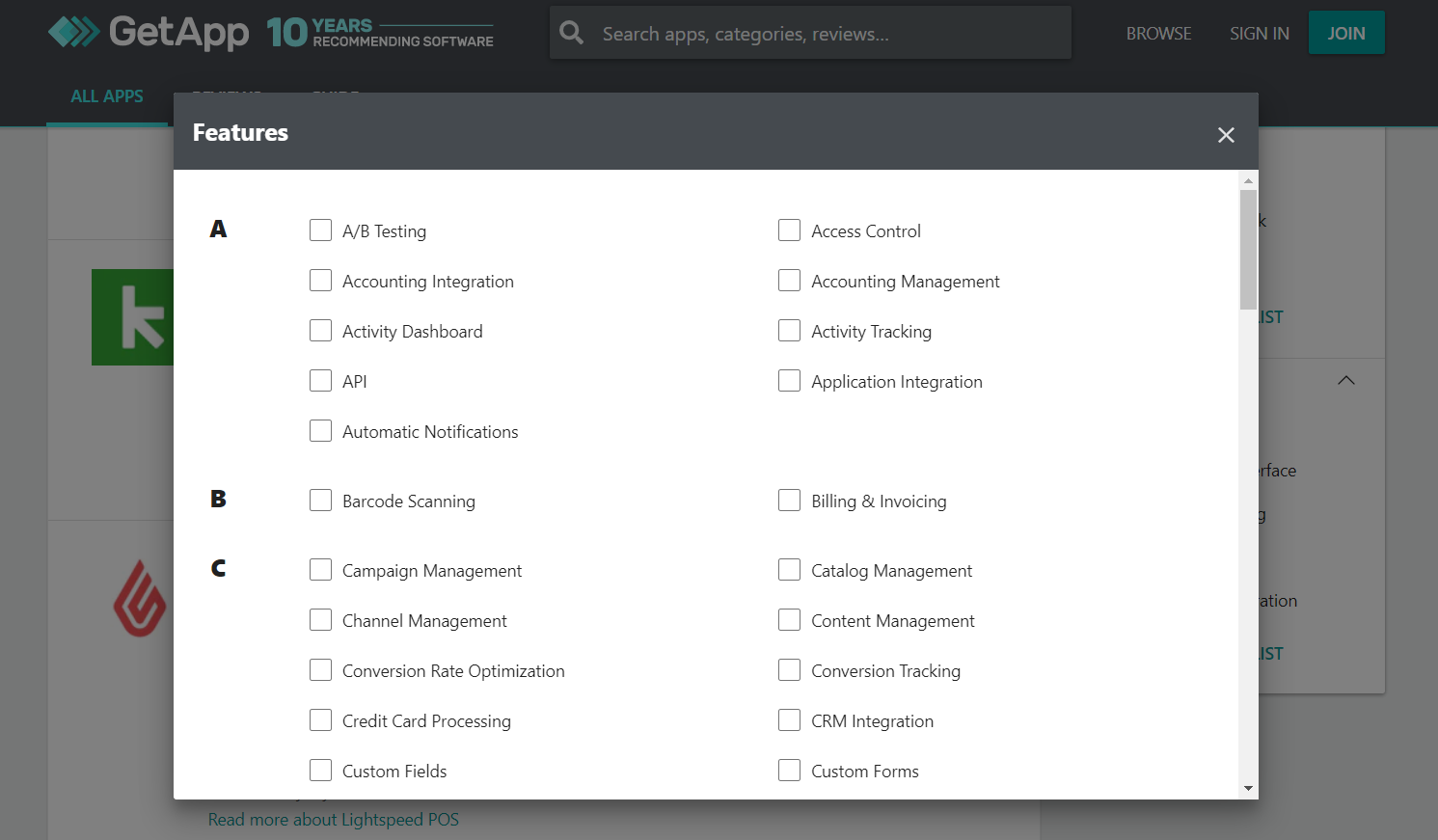
Sorting eCommerce software by features on GetApp (Source)
With the stage left open, vendors usually tend to delve deep into the features they like the most. But these might not be the features most relevant to your business. Always refer back to your list to redirect the conversation to the functionalities most important to your team.
Related questions to consider asking:
| Question | Purpose |
|---|---|
| What types of industries and companies use your products? | To check if businesses like yours are already using the tool. |
| How often is the software updated? | To understand if the tool stays up to date with the changing market requirements. |
| Can current data be imported over in one go? Does the tool integrate seamlessly with our current software? | To know how the tool gels with your existing data and IT infrastructure. |
2. Know which features distinguish one product from another
Product differentiators are features or functionalities of the tool that offer unique value and are not common with other tools on the market.
For instance, for a customer relationship management (CRM) solution, the ability to track customers social media activity within the app could be a differentiating feature. Integrations with eCommerce software to keep tabs on the orders and communicate shipment and delivery to the customer could also be a nice add-on.
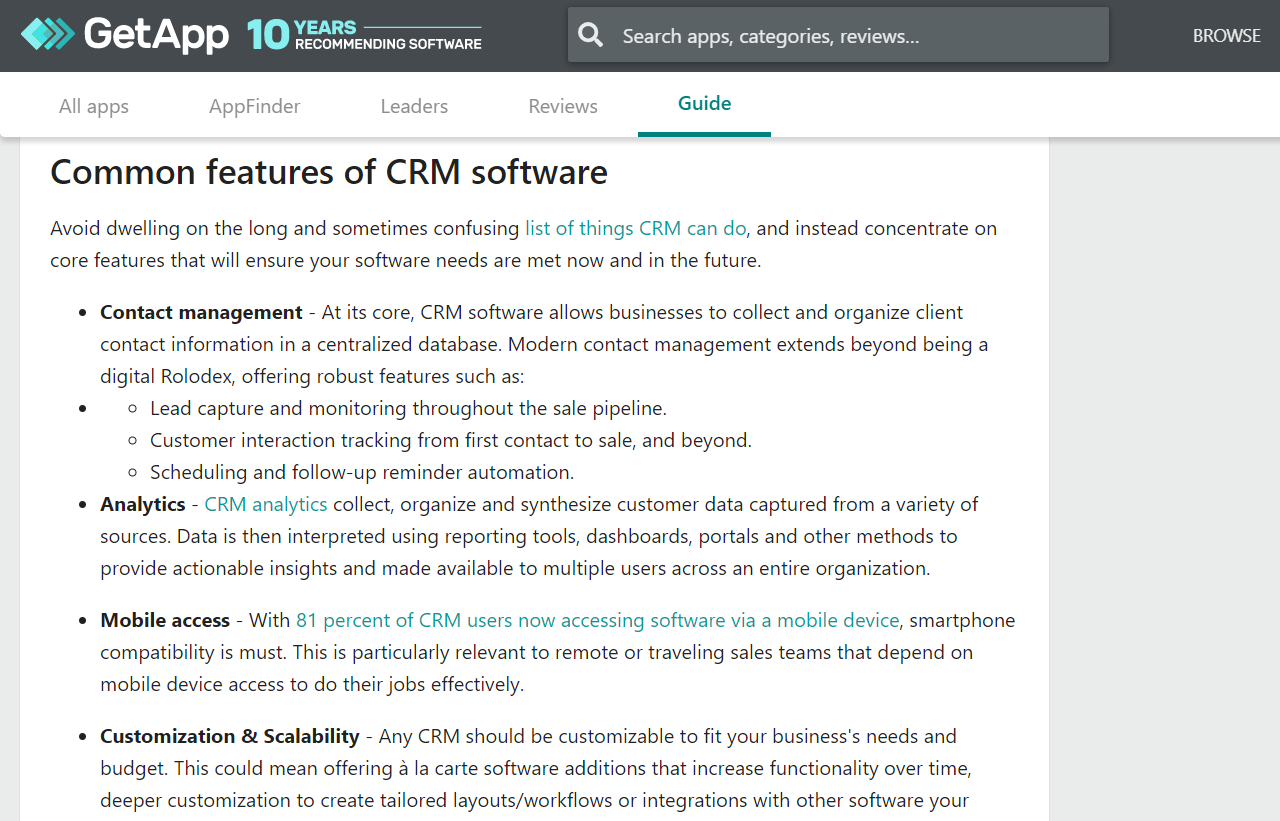
Features of CRM delivery software that could serve as product differentiators (Source)
However, to talk about product differentiators, it’s important that you first understand the offerings of the top tools on the market. For this, explore the top vendors on the market via listings such as our Category Leaders (here’s the listing for CRM software Category Leaders).
Related questions to consider asking:
| Question | Purpose |
|---|---|
| Can I control what information certain staff members are able to see? | To see if the software fits with your hierarchical, data privacy needs. |
| What is the track record of your software’s uptime? Is there any service-level agreement (SLA)? | To know if you’ll have to worry about the software being down for maintenance or other reasons frequently. |
| What will happen to my data if I ever decide to switch to another software? | To understand if the vendor is focused on your business growth or tying you down with encrypted and nontransferable data. |
3. Understand the total cost of ownership
Whether it’s cloud-based or on-premise deployment, the actual cost of using a tool can end up much higher than what the tool’s price tag says.
For instance, with warehouse management software, fees for extra users or integrations, charges for customer support, or one-time implementation charges could be some extra costs a vendor could add on. Upgrading the computer systems, investing in a higher bandwidth internet connection, or buying equipment such as barcode scanners are other possible expenses you should plan for.
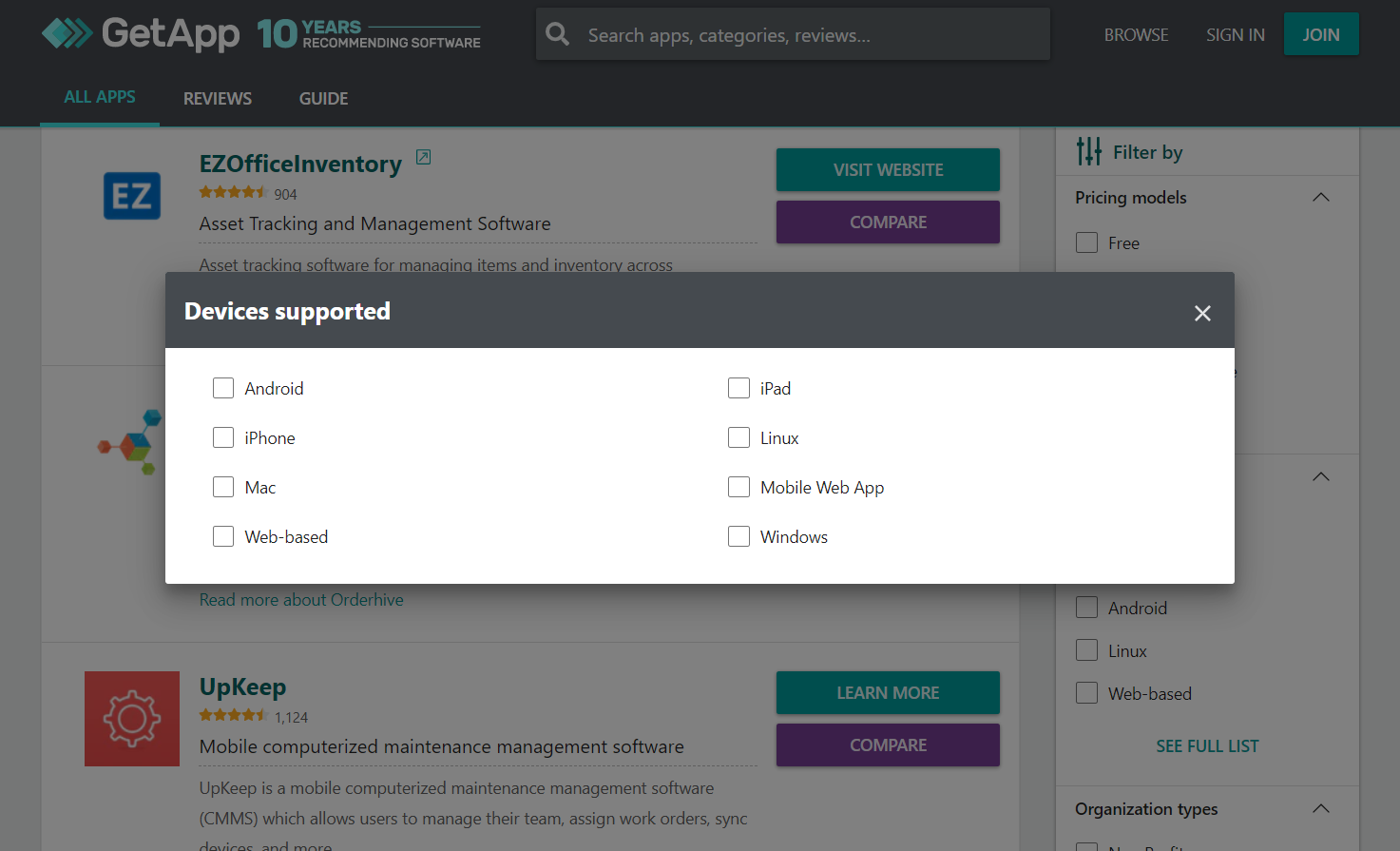
Checking device support for preferred platform on GetApp (Source)
Use the software demo as an opportunity to talk about these costs. Inquire about the fees for adding more users, present hypothetical scenarios requiring customization, or discuss implementation charges. Talk about the storage costs, infrastructure requirements, support, and any potential need for updates.
Related questions to consider asking:
| Question | Purpose |
|---|---|
| Would I need to upgrade my existing IT infrastructure to use this tool? | To ensure that the tool can work with your current infrastructure and doesn’t incur high upgrade costs. |
| What happens if I need to reduce the number of users on the plan? | Scaling up is easier on almost every tool, but some vendors might not allow equal flexibility while scaling down. |
| Can we integrate XYZ tools free of charge? | To know ahead of time if integrating the tool with others could end up costing money. |
4. Ask about vendor support and training
Vendor support and training requirements often fall among the points of discussion that users typically forget. However, they are critical to the adoption and success of any software.
There are several variations when it comes to the support costs—some vendors charge extra for different levels of support (such as email-only versus phone call), some offer support only to the paid users, while some offer fast-track tickets for special users.
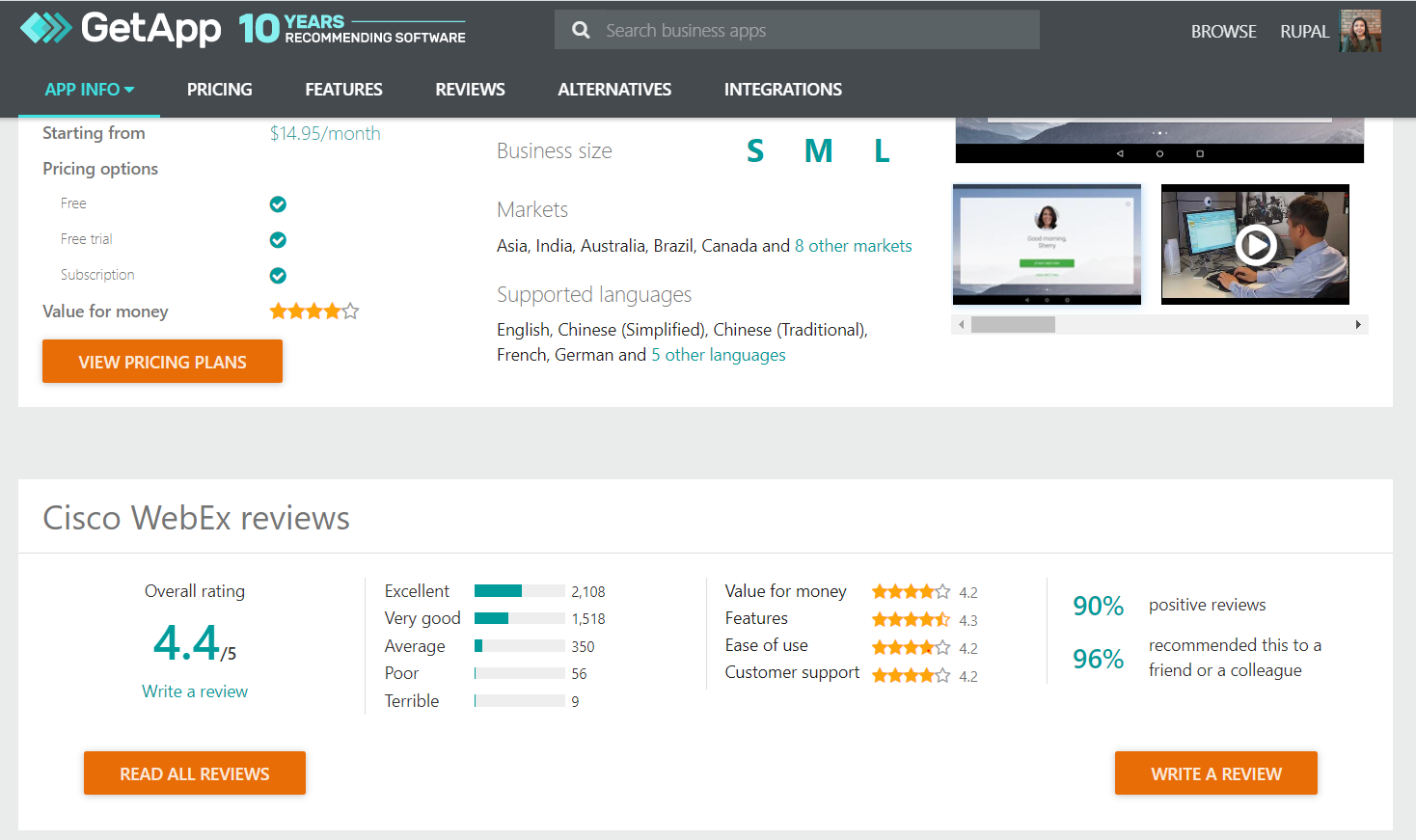
Checking customer support rating for Cisco Webex on GetApp (Source)
Also, check the kind of training the vendor offers for the adoption of the tool. It is important because some tools that are not as technical tend to require less training than those that are technical.
Related questions to consider asking:
| Question | Purpose |
|---|---|
| What are some common learning curves for someone using the tool for the first time? | To be prepared with the potential challenges and how to address them ahead of time. |
| What type of training do you offer during implementation? | To ensure that the vendor provides adequate training support to help your team learn how to use the tool. |
| What kind of support do you provide after implementation? | Some vendors offer a single point of contact for support, which makes the process of sorting out complaints much easier. |
5. Confirm data storage and security measures
Businesses taking software demos tend to be so focused on features and cost that they sometimes overlook data storage and security measures. The lack of proper data security can cost a business heavily in leaked information and reparation fines.
Whether it is a video conferencing software or campaign management software, every software has a protocol to store user data safely. This becomes even more important if the tool is cloud-based since a large part of the security aspect will remain out of your control and in the vendor’s hands.
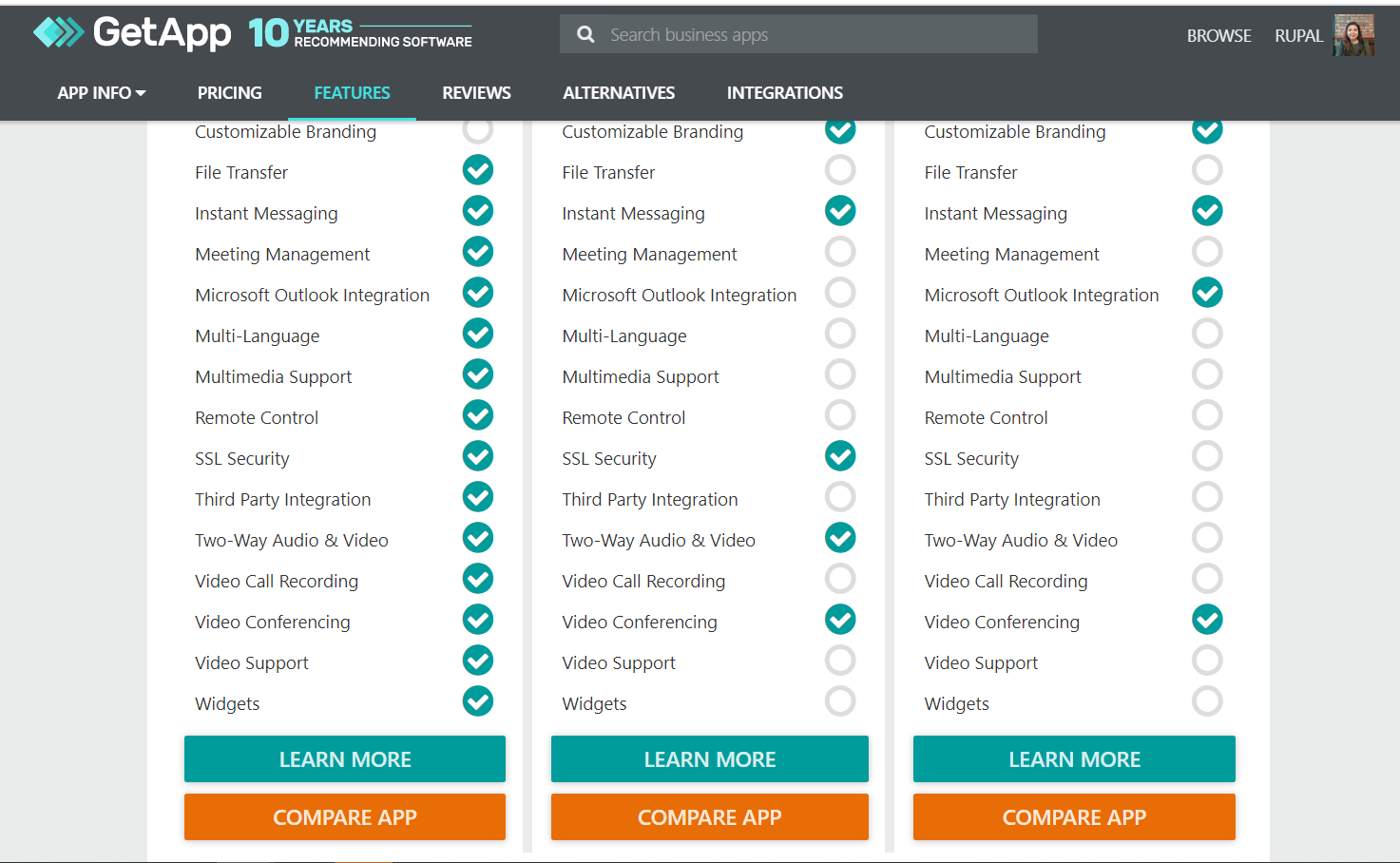
Comparing tools on GetApp based on SSL Security feature (Source)
Use the software demo to get a detailed overview of how the vendor stores the data and keeps it secure. Check if they maintain their own servers (where and how!) or use a cloud service provider. Most importantly, double-check that they meet security standards specific to your industry.
Related questions to consider asking:
| Question | Purpose |
|---|---|
| Is the tool compliant with industry-standard data security requirements? | To know if the tool has an added layer of security required by certain industries such as healthcare and finance. |
| Is the tool compliant with PCI DSS? | To ensure the tool is safe to accept online payments. |
| Has there ever been a data breach or hack of any kind on your tool? If yes, how did you deal with the situation? | Breaches happen even to the best of tools, so know how the vendor dealt with a bad situation. |
Narrow down your options before the demo
By the time you reach the software demo stage, you should ideally narrow the list of options down to three to five. Viewing too many demos will be time consuming and potentially overwhelming. Before you reach this stage, you should:
Check the tool’s features in detail.
Compare the tool with competitors by using the “compare” feature on third-party websites such as ours.
Read more to learn about the experiences of existing users.
Check the tool’s tutorials on the vendor website or platforms such as YouTube.
By the time you reach the software demo stage, you should ideally narrow the list of options down to 3-5. During each demo, have a notepad handy to register important points and score each software (out of 10 or another scale you prefer) on the parameters discussed above, and compare these scores to make the final choice.
Check out these additional sources for more information:
Note
The applications mentioned in this article are examples to show a feature in context and are not intended as endorsements or recommendations.
Toby Cox
More on Software Buying Tips

Mar 25, 2025


Feb 25, 2025

Sep 27, 2024

Oct 10, 2024